


Updated October 5, 2026: This article was first published October 1. We have clarified the difference between saving individual items and transferring an account.
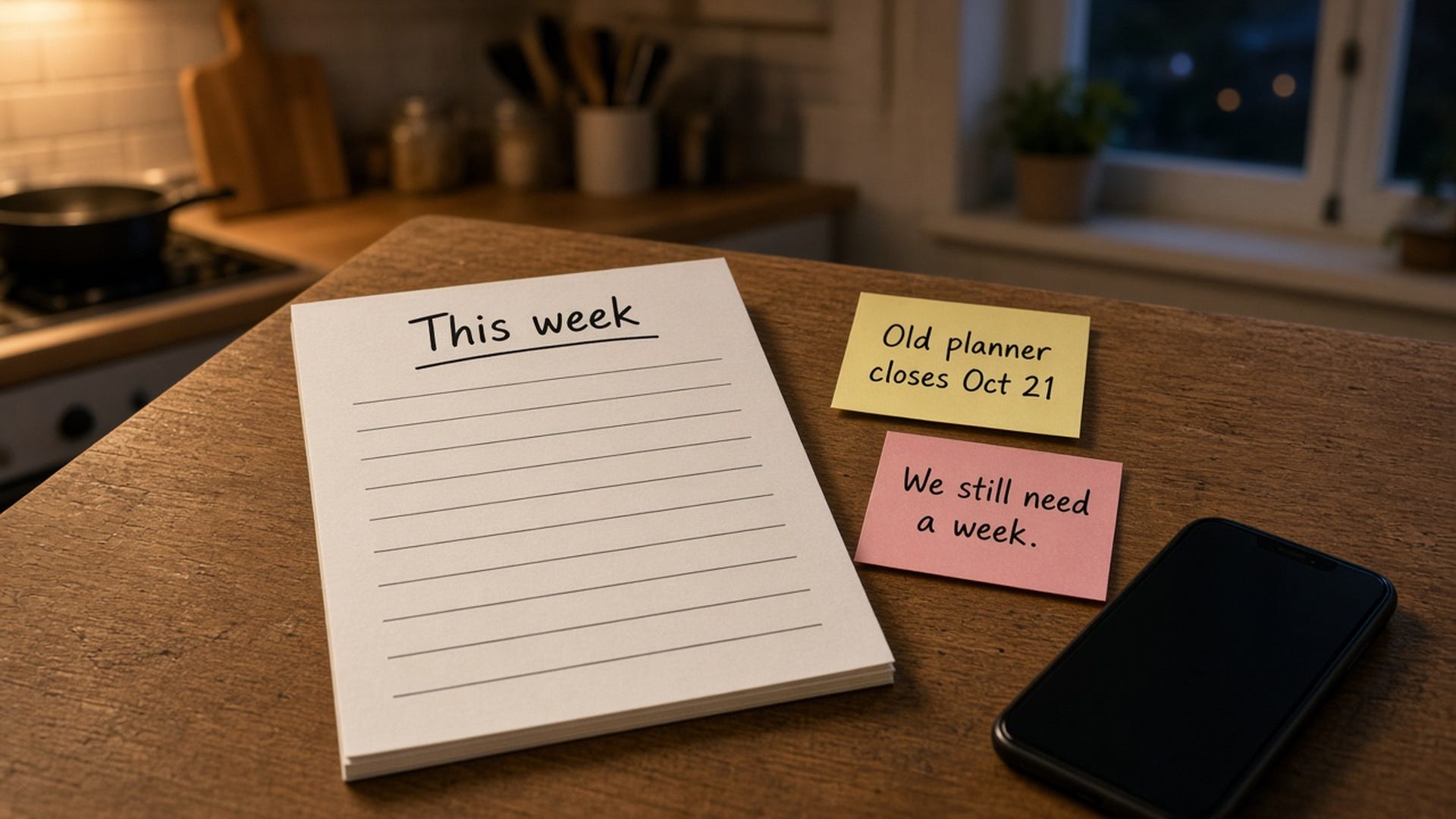
Mealime has announced that its app will close on October 21, 2026. For a household that uses it every week, the immediate job is to keep dinner workable through that change. You do not need to rebuild your entire kitchen routine in one evening.
Begin with what you actually use. Choose a handful of favorite recipes and check that you have readable ingredients and instructions. Mealime’s older support documentation describes printing individual recipes from its web app and saving a grocery list as a PDF. Those instructions date from 2018–2019; we have not tested them in the current app. Check what is available in your account before relying on them.
Next, write down the information a recipe alone cannot carry: who is eating, any household preferences, the nights you need a quick dinner, and what is already in the pantry. Keep personal notes somewhere you control.
Finally, test one ordinary week in the place you intend to use next. Can you find Monday’s meal, adjust the servings, and see the groceries you need? Ask another person in the household to try the plan too. A small rehearsal is more useful than collecting a long list of replacement apps.
Mealime’s recipe catalog will remain in Meals Hub. The closing notice says personal data will be deleted and that some preferences need setting up there; it does not promise a complete account transfer.
The aim is continuity: a few familiar meals, a readable list, and fewer decisions left for the busiest part of the day.
Sources:
https://www.mealime.com/closing
https://support.mealime.com/article/90-how-to-print-a-recipe
https://support.mealime.com/article/101-how-to-share-recipes-grocery-list-meal-plans-mealime